
Your workspace

Powerful tools. One workspace.

Manage admissions conversations and protect your websites with purpose-built applications.

EduBot

Live

Turn student questions into meaningful admissions conversations.
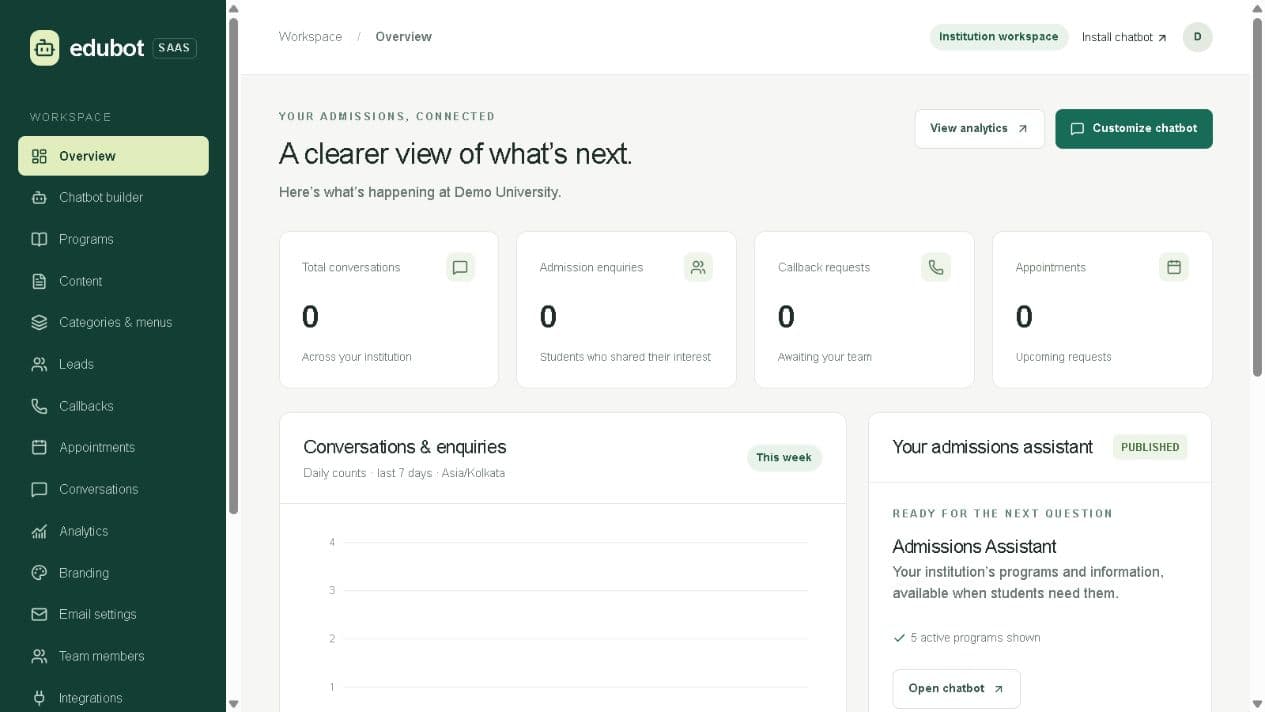
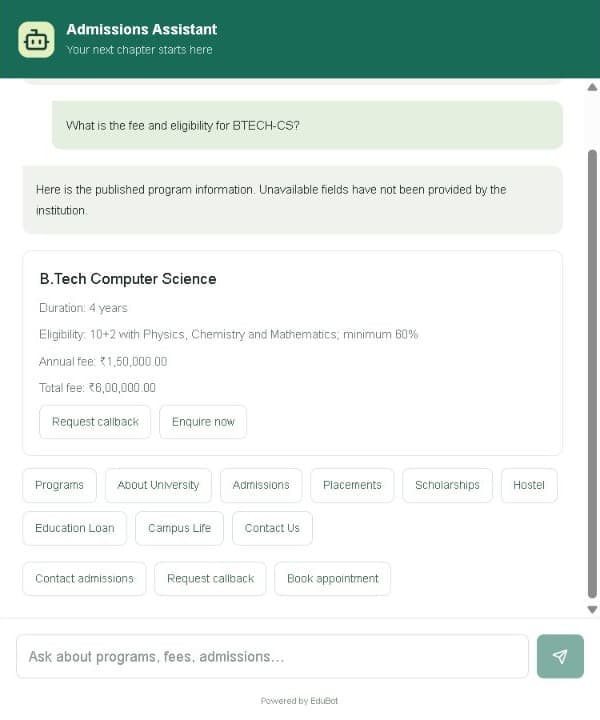
EduBot institution workspace showing conversations, admission enquiries, callback requests and appointmentsEduBot chat widget answering a fee and eligibility question for B.Tech Computer Science
  • AI Admissions
  • Lead Management
  • Analytics
Open EduBot

ServerOps AI

Beta

Detect suspicious changes before they hurt your site.
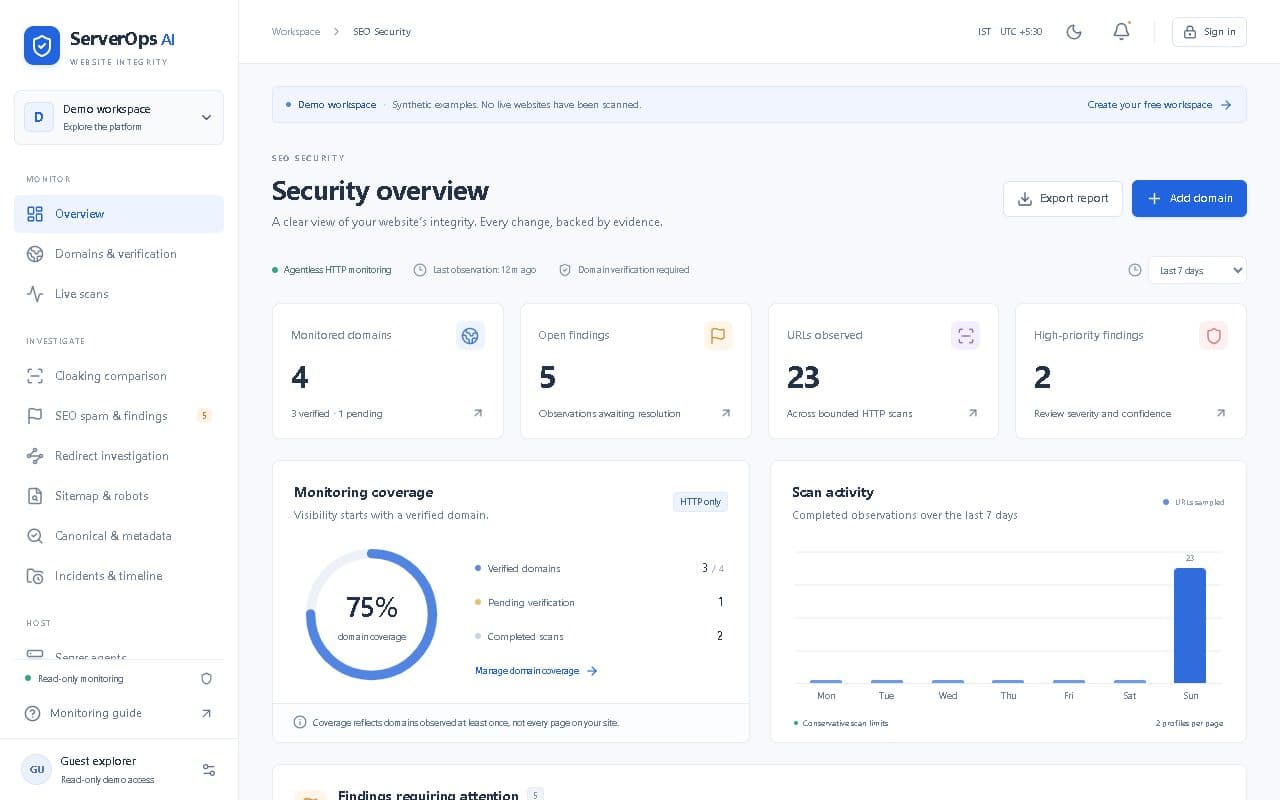
ServerOps AI security overview showing monitored domains, open findings, monitoring coverage and scan activity
  • SEO Monitoring
  • Security Alerts
  • Integrity Checks
Open ServerOps AI

Built for teams that move fast

Independent workspaces

Run each application with its own settings, data and team.

Actionable insights

Turn website and admissions activity into clear, practical actions.

Easy setup

Get started quickly with a simple, guided experience.

Need help getting started?Contact support →

How each application works

EduBot gives a university, college or coaching institute its own workspace for an admissions chatbot. The institution adds its programs, fees, eligibility and FAQs, publishes the chatbot, and embeds it on its website with one script. Student enquiries, callback requests and appointment bookings arrive in the same workspace for the admissions team.

What it does

  • Programs with fees, duration and eligibility, added by hand or imported from Excel
  • Chatbot builder with categories and menus, saved as a draft and published when ready
  • Embeddable website widget that answers from published program information
  • Leads, callback requests and appointment bookings in one inbox
  • Conversation history and daily analytics in the institution’s time zone
  • Branding, email settings and team members with separate admin and counsellor roles

How it works

  1. Create your institution’s workspace and invite your admissions team.
  2. Add or import your programs, then shape the chatbot’s menus and answers.
  3. Publish, paste the install script on your website, and follow up on enquiries from the dashboard.

Built for: Universities, colleges, schools and coaching institutes with an admissions or counselling team.

ServerOps AI watches websites you own for signs of SEO spam, cloaking and unwanted redirects. It fetches each page twice, once as a normal desktop visitor and once with a simulated Googlebot mobile profile, and compares titles, links, canonicals, robots rules and sitemaps against a baseline you approve. Differences become findings with redacted evidence for your team to review.

What it does

  • Agentless HTTP monitoring with nothing to install on your server
  • Domain ownership verified by DNS TXT record or verification file before any scan
  • Side-by-side comparison of the visitor view and a simulated Googlebot view
  • Checks for metadata, links, canonical tags, robots.txt and sitemap changes
  • Findings with severity, confidence and an audit trail of every review decision
  • Read-only demo workspace, email alerts and CSV reports

How it works

  1. Add each website hostname and prove you control it with a DNS or file challenge.
  2. Run a scan, review the paired observations, and approve a baseline.
  3. Scheduled scans then raise findings when something changes from that baseline.

Built for: Website owners, agencies and IT teams who need early warning when a site is tampered with.